What Wikai does
One wiki your agent builds from your sources and daily notes: capture or ingest anything, search across it, ask grounded questions — all on your disk.
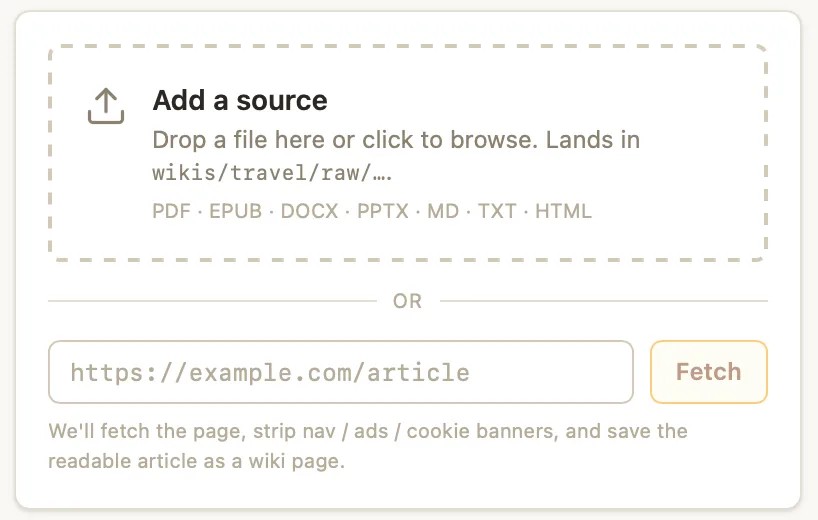
Ingestion
Drop in EPUB, PDF, DOCX, web links, or plain Markdown. Wikai reads each source end to end and pulls it into your wiki — no manual copy-paste, no format wrangling.
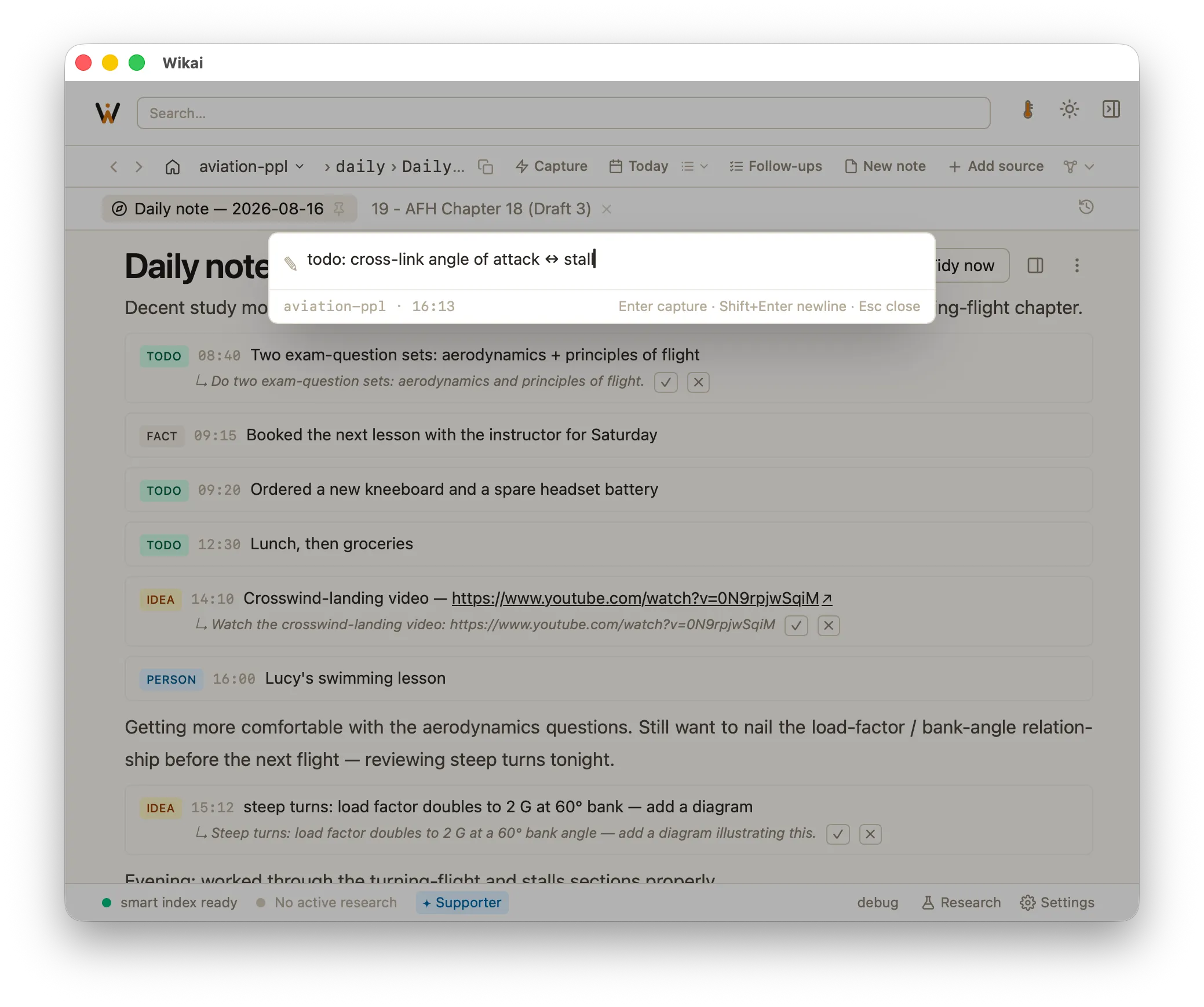
Quick capture & daily notes
Jot a thought, a todo, or a reference into quick capture and it lands in today's note instantly, offline. From there the agent reads each line, links the people and topics you mention, and files facts, questions, and ideas into the right pages — while your daily note stays a literal record of what you wrote. Nothing moves into the wiki without your approval.
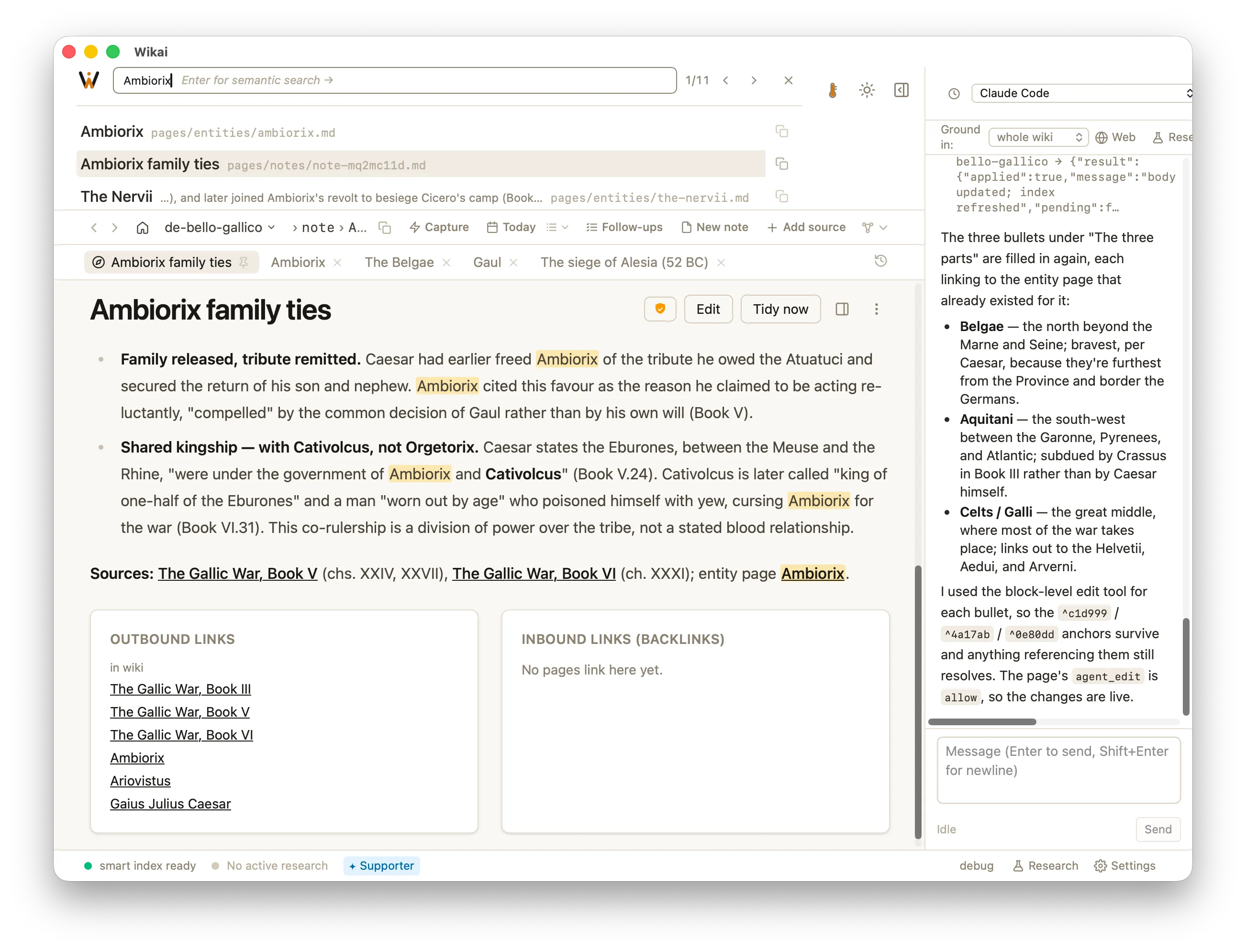
Smart index
Every page is indexed with hybrid keyword and semantic search, so you find the right passage whether you remember the exact words or just the idea. Adding a source surfaces cross-links to what you already have.
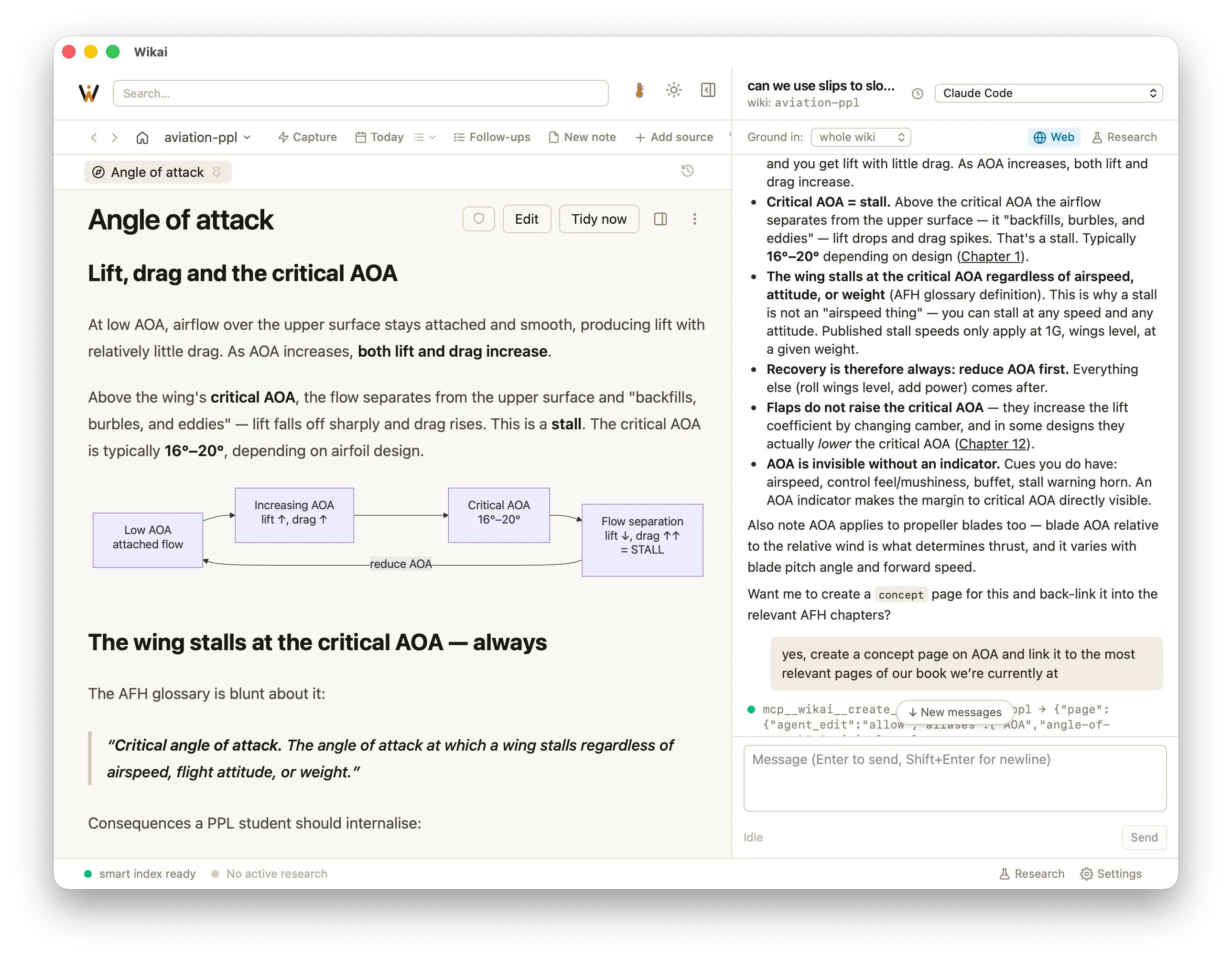
Chat sidebar
Ask questions grounded in the page you're reading; answers come from your own wiki, not the open web. Its edits arrive as suggestions you accept or reject — nothing changes your files without your say-so. Bring your own agent — your Claude Code or ChatGPT subscription, an API key, or a model you run yourself; Wikai doesn't resell tokens.
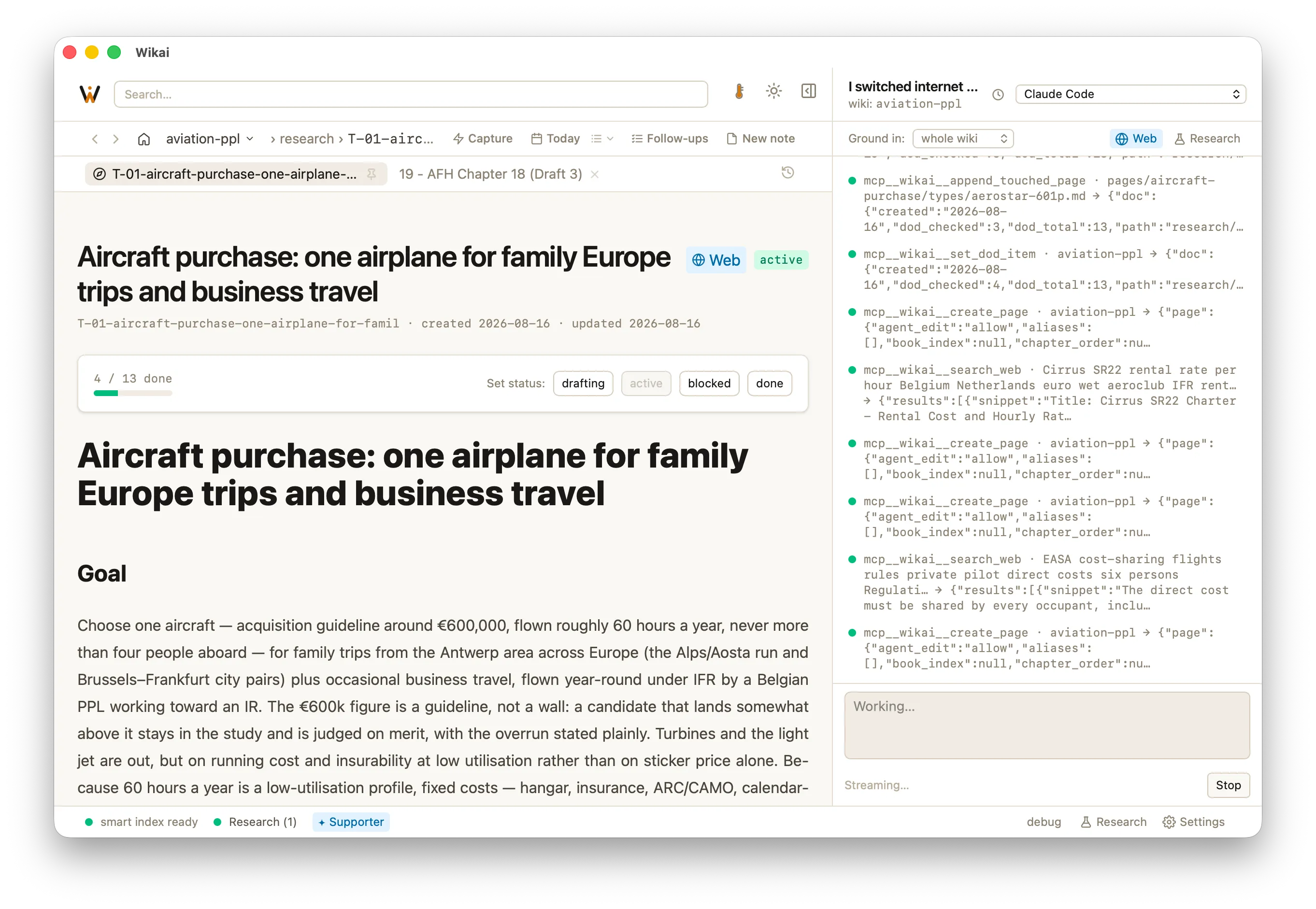
Work documents
Run long research as a work document: Wikai works a question over time and keeps a progress log you can follow and steer.
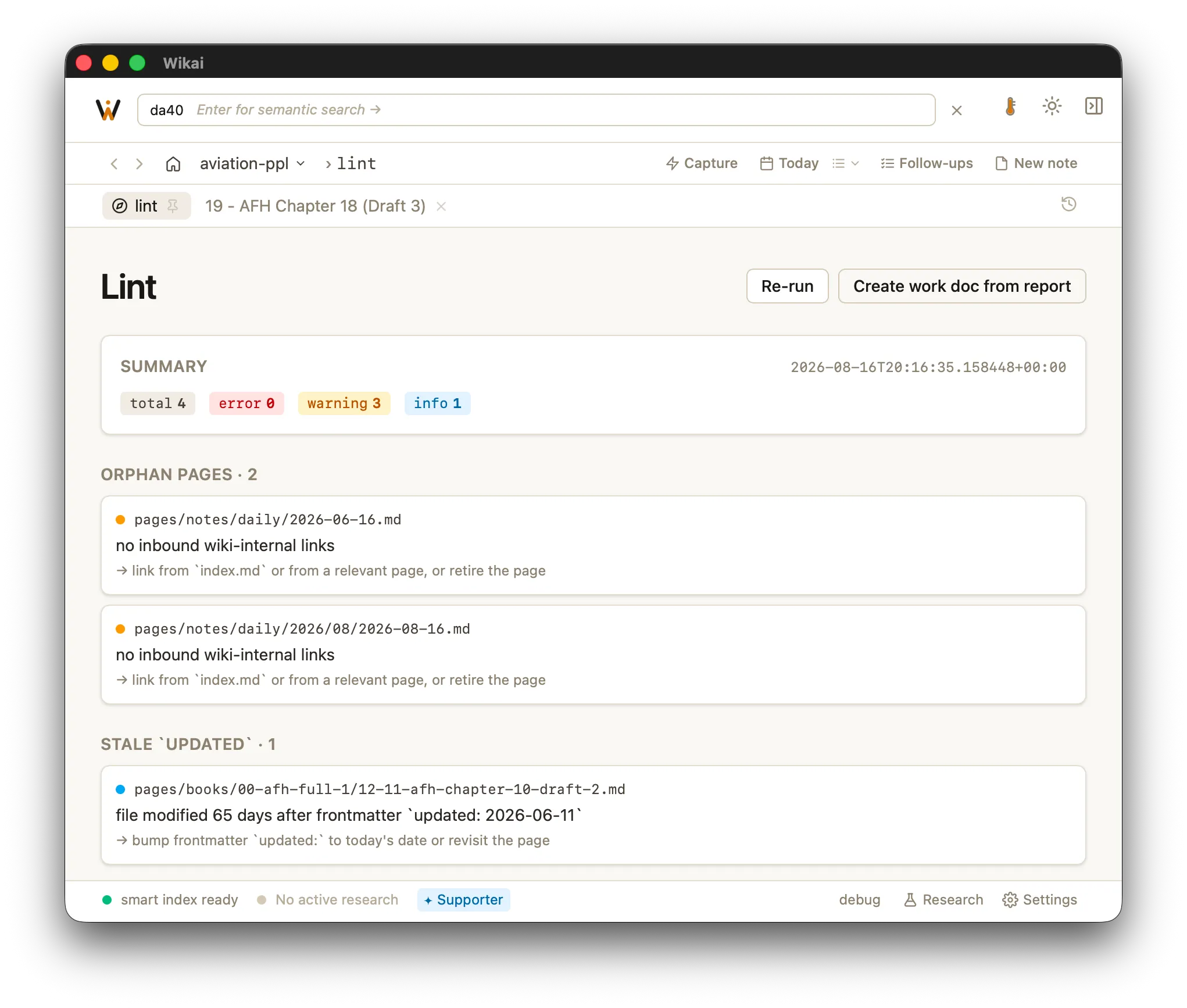
Lint
Wikai lints your wiki the way a compiler lints code — flagging orphan pages, broken links, missing cross-references, and stale metadata so the graph stays healthy as it grows.
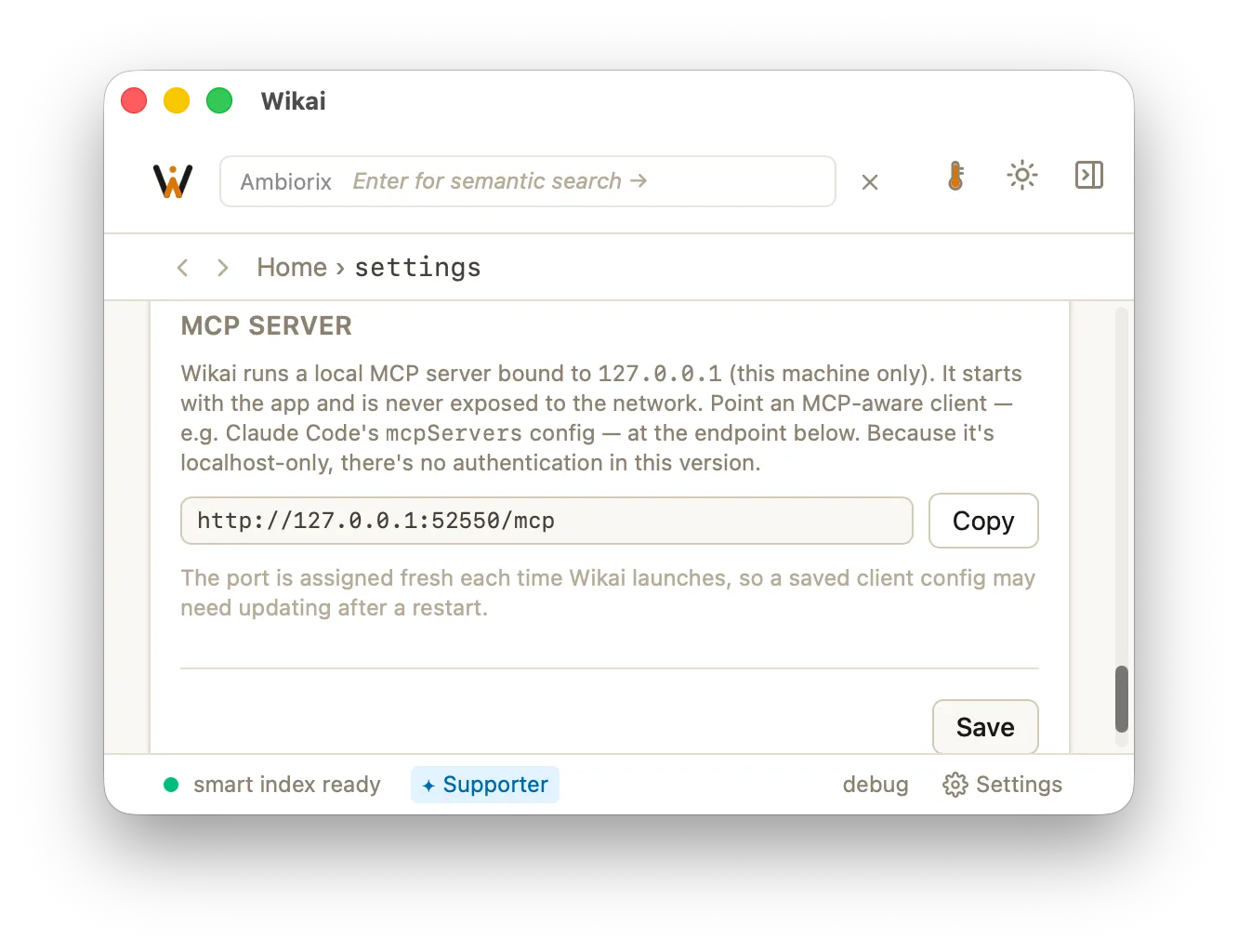
MCP endpoint
Wikai exposes your wiki over MCP, so the agents and tools you already run can read and search it directly.
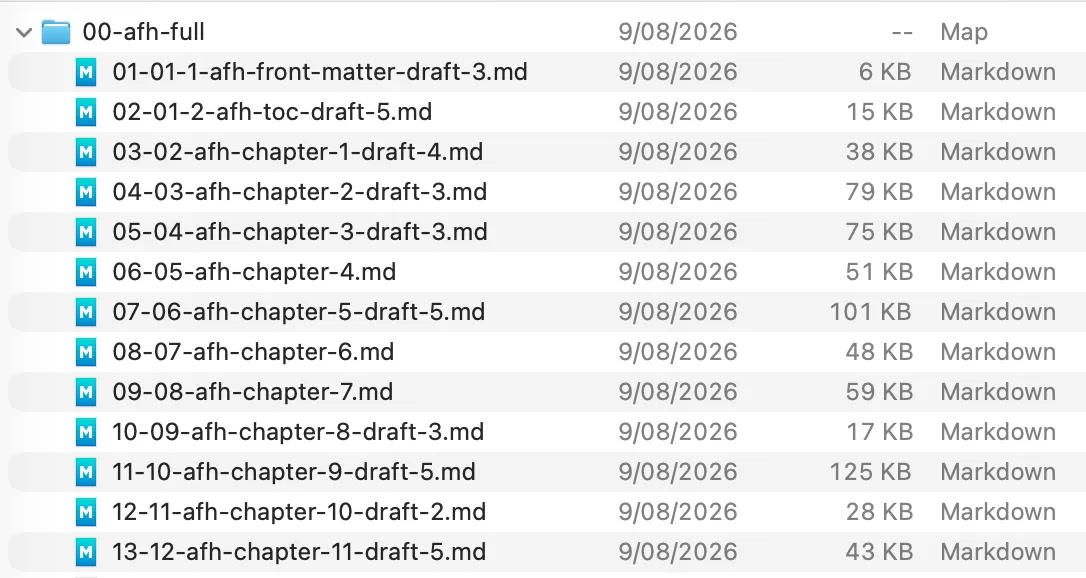
Local-first
Your wiki is plain Markdown in a folder on your disk. No cloud account, no sync server, no lock-in. The honest trade-off: no multi-device sync yet.
Your space to connect ideas.
Drop in your documents, research, and notes. Your agent builds the wiki.